
Download Rikaichan – Free Japanese Dictionary Add‑on for Firefox
Overview – Why Rikaichan is a Must‑Have Tool for Japanese Learners
Rikaichan is a lightweight Firefox add‑on designed specifically for students of Japanese who want to turn any web page into an interactive language lab. By simply hovering over kanji, kana, or mixed text, the extension pops up a bubble that shows the phonetic reading (hiragana), English meaning, and, when configured, additional grammatical notes. This instant feedback loop speeds up vocabulary acquisition and reinforces reading comprehension without the need to switch between a browser and a separate dictionary app.
Because it lives inside the browser, Rikaichan works on everything from anime fan sites and manga forums to news outlets and academic blogs, making the Japanese internet a far more accessible resource. The add‑on also supports multilingual dictionaries for German, French, and Russian, although those require separate installations. While Rikaichan shines best for learners with a solid foundation (intermediate level or higher), its simplicity and speed make it an invaluable companion for anyone serious about improving Japanese reading skills.
The tool is completely free, open‑source, and receives regular updates to stay compatible with the latest Firefox releases, ensuring a secure and stable experience for all users.
Key Features – What Rikaichan Brings to Your Browser
- Instant Hover Translation: Move your mouse over Japanese text and get real‑time readings and meanings in a floating bubble.
- Drag‑to‑Select Translation: Highlight longer phrases or entire sentences to see combined translations, useful for contextual learning.
- Multiple Dictionary Support: Built‑in Japanese‑English dictionary plus optional add‑ons for German, French, and Russian.
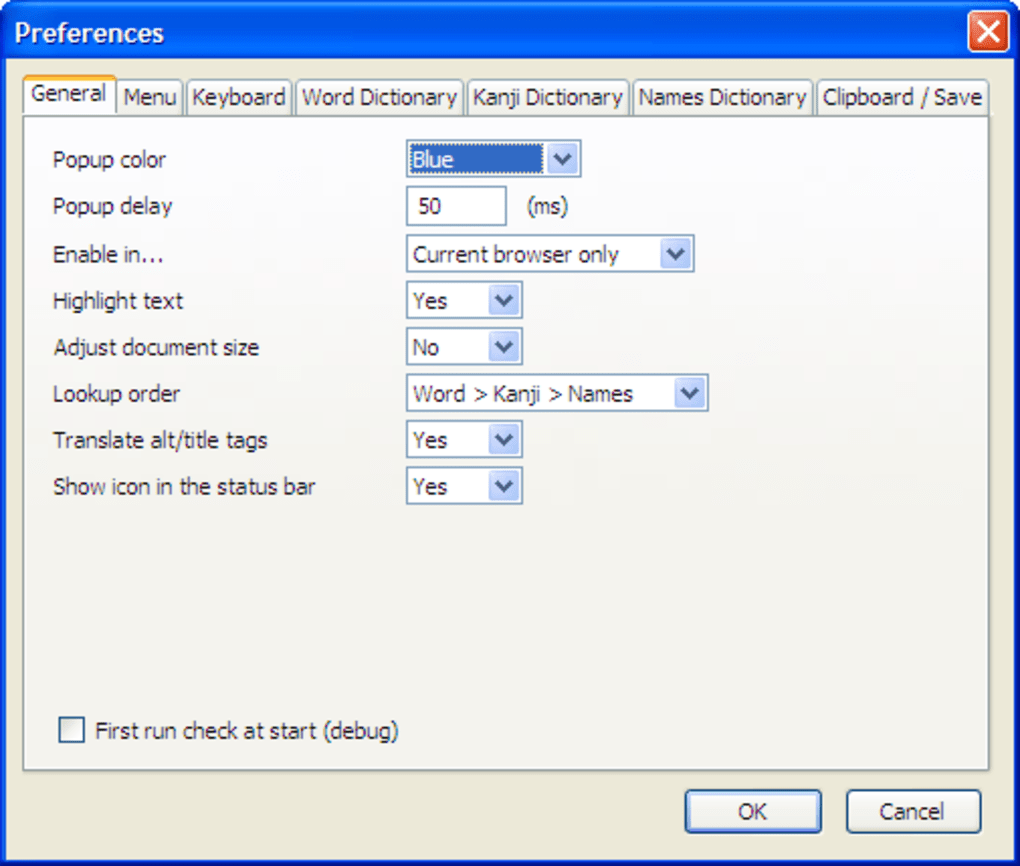
- Customizable Appearance: Adjust font size, colors, and bubble placement to match your visual preferences.
- Contextual Highlighting: The exact segment being translated is highlighted on the page, helping you see word boundaries.
- Lightweight Design: Minimal impact on browser performance; the add‑on runs quietly in the background.
- Frequent Updates: Regular bug fixes and compatibility patches keep Rikaichan secure and up‑to‑date with Firefox releases.
- Open‑Source Community: Developed and maintained by language enthusiasts, with contributions welcomed on GitHub.
Installation, Usage & Compatibility – Get Rikaichan Up and Running Quickly
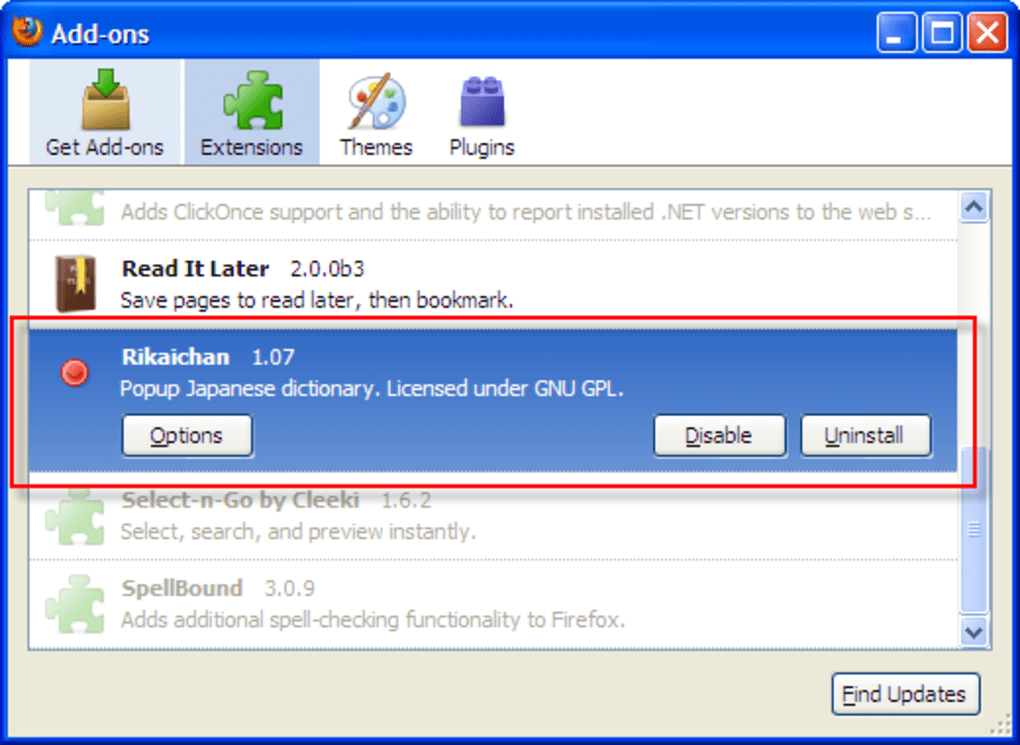
Installing Rikaichan is straightforward. Open Firefox, navigate to the official Mozilla Add‑ons page, and click the “Add to Firefox” button. After confirming the permission prompts, the add‑on appears as a small icon in the toolbar.
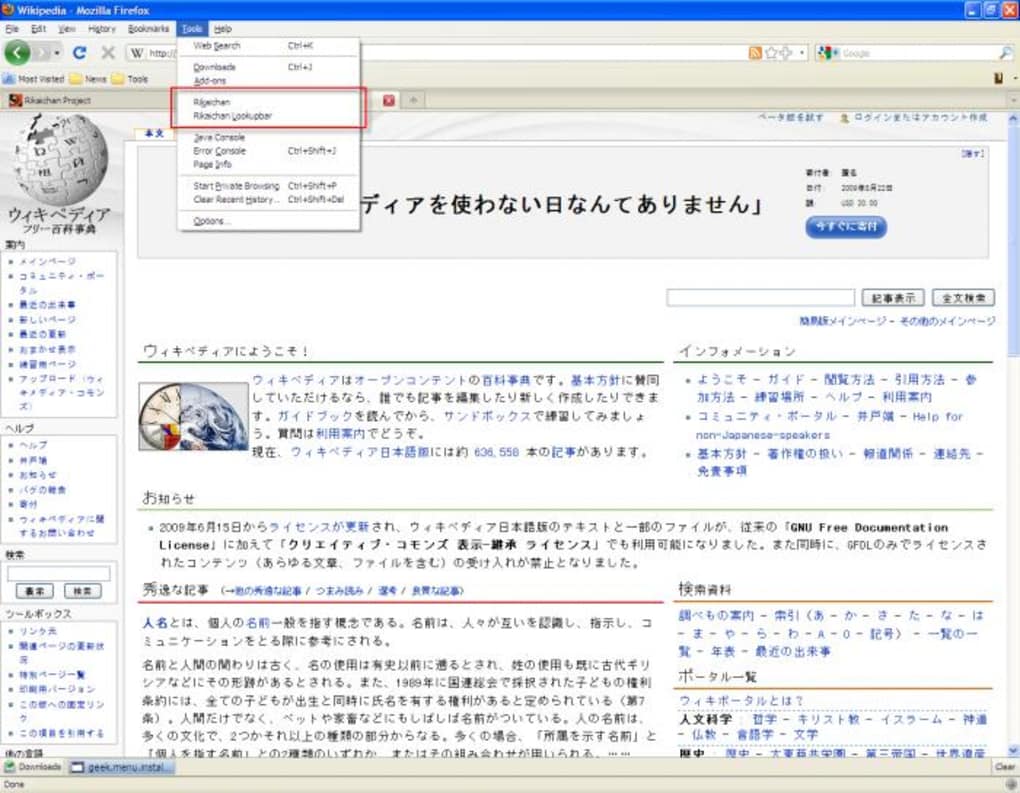
To activate it, right‑click any web page, choose “Rikaichan” from the context menu, and a small status bar will indicate that the extension is active. From this point, simply hover over any Japanese text to see the translation bubble. For longer passages, click and drag the mouse across the characters; Rikaichan will automatically concatenate the selection and display a combined translation.
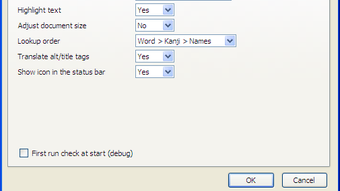
Rikaichan is compatible with all major desktop operating systems that support Firefox 78 or newer, including Windows 10/11, macOS 10.15+ (Catalina), and most Linux distributions. Because it is a browser extension, there is no separate installation for mobile platforms; however, similar functionality can be achieved on Android and iOS using Firefox’s “Add‑on” compatibility mode, though the experience may be limited compared to the desktop version. The add‑on also works inside Thunderbird’s message composer (with the latest patches), allowing you to translate Japanese text directly in email drafts. After installation, you can access a comprehensive settings panel via the Firefox Add‑ons Manager to fine‑tune dictionary sources, hotkeys, and visual preferences.
Pros & Cons – An Honest Review of Rikaichan
Pros:
- Free and open‑source, with no hidden fees.
- Instant, in‑page translations keep learning flow uninterrupted.
- Lightweight and does not slow down browsing.
- Highly customizable appearance and dictionary sources.
- Regular updates maintain security and Firefox compatibility.
Cons:
- Only works with Firefox; no native support for Chrome or Edge.
- Translates words individually, so understanding overall sentence meaning can require extra effort.
- Additional language dictionaries (German, French, Russian) must be installed separately.
- Limited functionality on mobile browsers.
- Requires a basic knowledge of Japanese; beginners may find the raw output overwhelming.
Overall, Rikaichan delivers exactly what it promises: a fast, unobtrusive Japanese dictionary that lives inside your browser. For intermediate learners who already have a grasp of kanji and grammar, the add‑on accelerates reading practice and turns any website into a language laboratory. While it lacks the sophisticated sentence parsing found in newer AI‑driven tools, its simplicity, speed, and zero‑cost model make it a timeless companion for serious students of Japanese.
Frequently Asked Questions
Is Rikaichan compatible with the latest version of Firefox?
Yes. The developer releases regular updates to ensure compatibility with the most recent Firefox releases. Users should keep the add‑on updated via the Add‑ons Manager.
Can I use Rikaichan on a Mac?
Absolutely. Rikaichan runs on macOS as long as you have a supported version of Firefox installed.
Do I need an internet connection for the translations?
No. All dictionary files are stored locally after installation, so translations work offline. However, updates to dictionaries require an internet connection.
How do I add German, French, or Russian dictionaries?
Visit the same add‑ons page, locate the language‑specific dictionary extensions, and install them alongside Rikaichan. Once added, you can switch languages via the settings panel.
Is there a mobile version of Rikaichan?
Rikaichan is primarily a desktop Firefox add‑on. Mobile Firefox offers limited add‑on support, and while some functionality may work, a dedicated mobile app is not available.
Conclusion – Take Your Japanese Reading to the Next Level
If you’re ready to transform ordinary web browsing into an active Japanese study session, Rikaichan is the perfect, free solution. Its instant hover translation, lightweight footprint, and deep customizability give intermediate learners the tools they need to read authentically while staying immersed in real‑world content. Click the download button below, install the add‑on, and start turning every Japanese webpage into a personal language lab. Happy reading, and enjoy the journey toward fluency!
Download Rikaichan Now






